
Neospin Login and Support
Logging in is your quick way back to everything that makes a session worthwhile at Neospin — your saved games, any cashback waiting to land, live tournaments, active bonuses, the cashier and your VIP rewards. One sign-in and you are straight back where you left off.
Always come in through the official Neospin route. You will often run into copies and links to old domains floating around online, so going direct keeps your account and your money safe. And because Neospin runs a steady stream of promotions, good support matters: free spins that have not appeared yet, cashback timing, whether you qualify for a tournament, a crypto deposit that needs confirming, verification, the status of a withdrawal, or a game that is slow to load on mobile — there is always someone to sort it out.
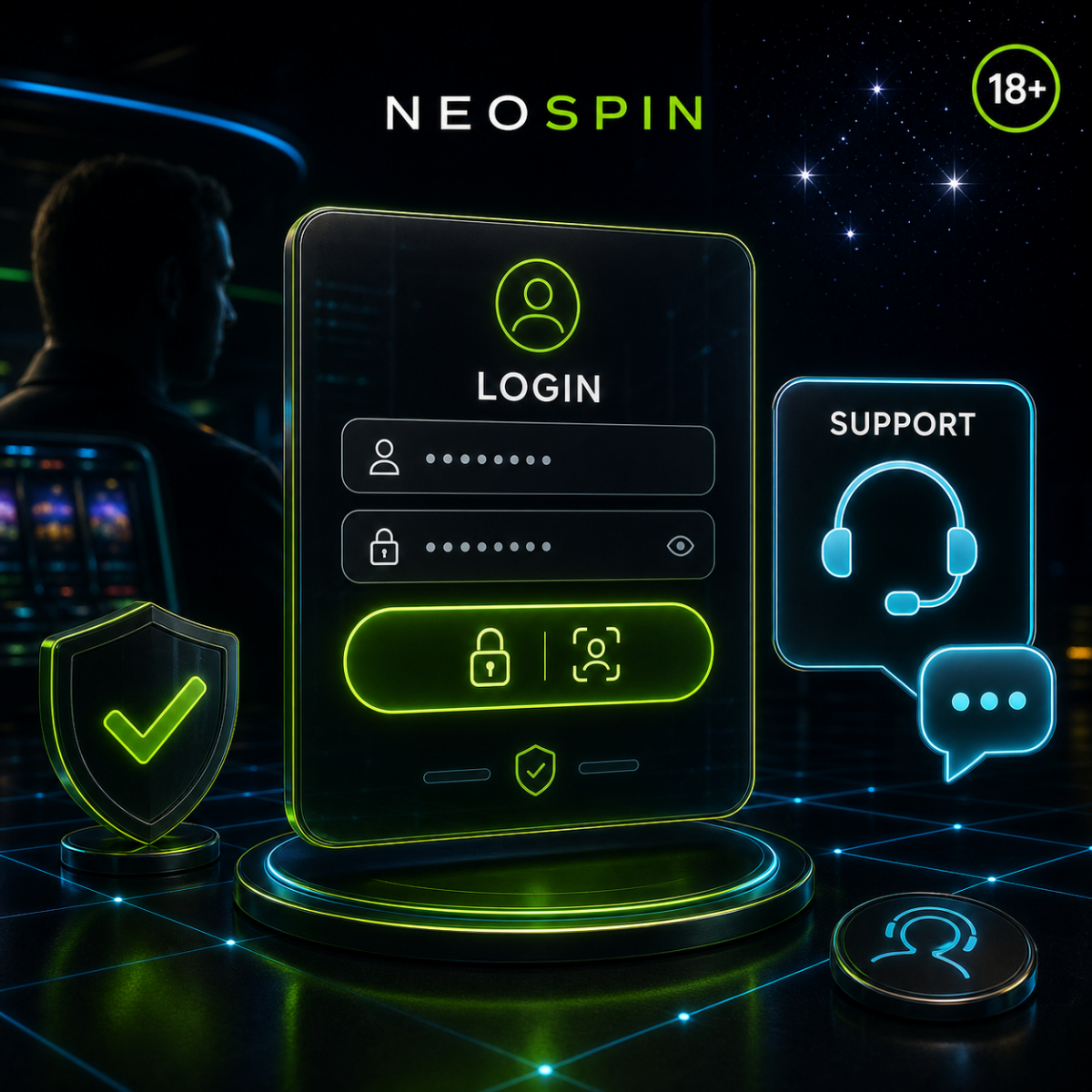
Logging in to your account
- Open the official Neospin site.
- Choose login from the account or header area.
- Enter your details carefully.
- Complete any security step you are prompted with.
- Head back to your account to check your games, bonuses, cashback, tournaments or cashier status.
If your login does not work, use the official reset link or reach out to support — they will get you back in. Avoid opening a second account to get around the problem, as duplicate accounts can affect your bonuses and your ability to withdraw.
What support can help with
The team handles the everyday questions that come up at a casino with plenty going on:
- Bonus help — missing free spins, welcome package steps, cashback that has not credited, or how a reload works.
- Payment help — deposits that have not arrived, withdrawal status, and which methods suit you, from cards to Neosurf to crypto.
- Verification help — what documents are needed and how to send them securely so your account is ready to pay out.
- Game help — a title that will not load, a round that froze, or a question about how a feature plays.
Getting a faster answer
The more context you give, the quicker the team can act. Have your account email or username ready, plus the relevant detail for your question — the promotion name, your payment method and transaction ID, the game title, the tournament name, and roughly when the issue happened. A screenshot is genuinely useful when you are chasing bonus tracking or a cashier question, so attach one if you can.
Verification and KYC
Verification is a normal part of keeping your account secure. Before a withdrawal, Neospin may confirm your identity, your address or ownership of a payment method. It all runs more smoothly when your registration details are accurate from the start, so the information on file matches your documents. Only ever send your documents through the official secure route — never by an unverified link or to anyone who asks for them elsewhere.
Keeping your account dependable
When the paths to login, bonuses, cashback, tournaments, payments and verification are all clear, your account simply works the way you want it to — you sign in, play, and handle the cashier without friction. Keep your details current and use the official routes for login and support, and Neospin stays easy to come back to whenever you fancy a session.